Playlist in the browser
Podcast search, subscriptions and episode order happen on a big screen. The watch only has to download the finished list.
ProCast — podcasts, audiobooks and tracks on Garmin watches. Build an episode queue, import free audiobooks from the catalogue and upload your own audio files in the browser, then let the watch pull everything with a single Synchronize command. Finished episodes leave the list, your position travels back from the watch to the web — after the initial setup, no phone in your pocket.
Free tier. Pro unlocks speed and quality for long episodes.
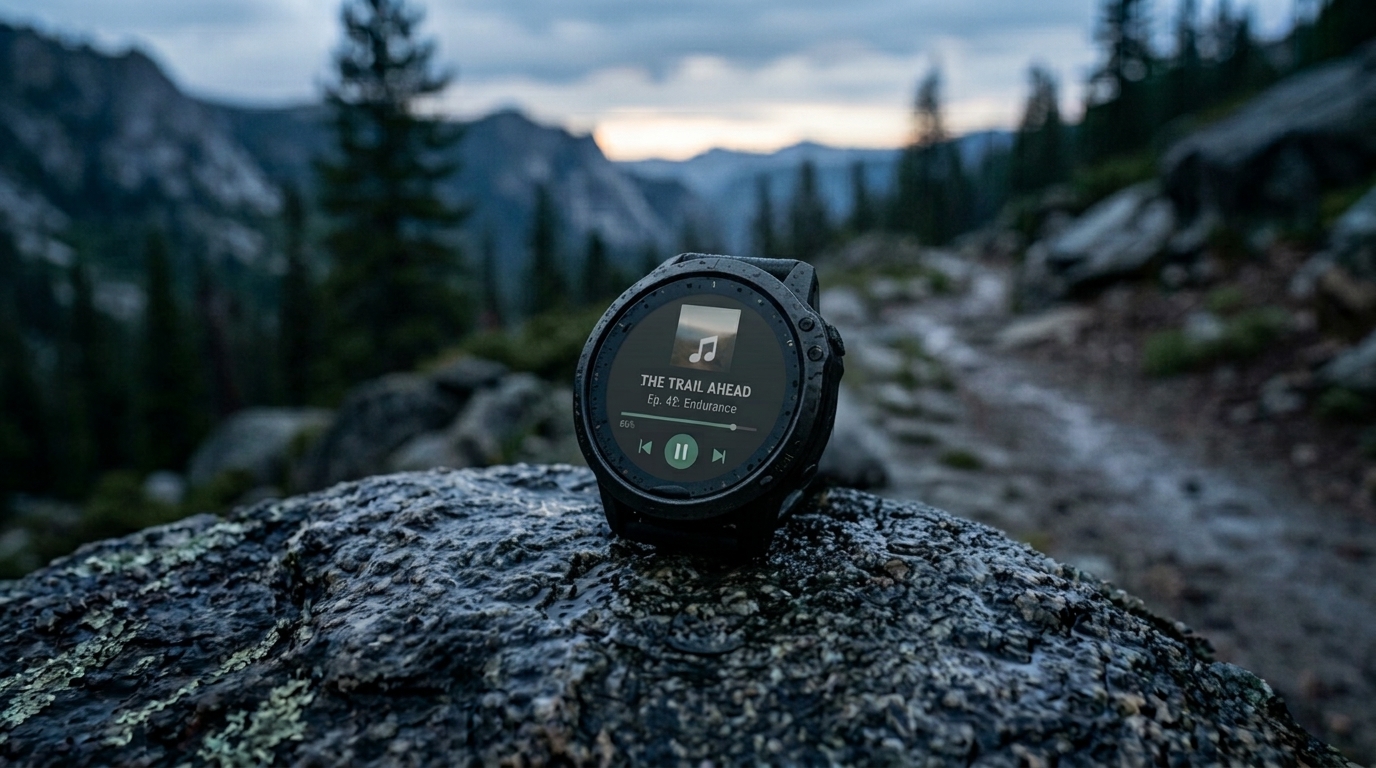
Garmin watch
Sign in to see your watch status and queue.
Features
Every feature solves a concrete problem of listening to podcasts and your own tracks offline on a device with no browser and no keyboard.
Podcast search, subscriptions and episode order happen on a big screen. The watch only has to download the finished list.
Set a starting point from the browser, and the position recorded on the watch comes back — pick up where you stopped in the web player and on the watch.
A completed episode leaves the queue on its own. Stop with five minutes left and it still counts as finished.
Flip the toggle on a podcast and new episodes enter the queue by themselves, up to ten per feed refresh.
Per podcast: new releases go to the top of the queue or the bottom. News up front, long interviews at the back.
Paste a direct link to an audio file — it joins the queue like a regular episode, no podcast or feed required.
Upload MP3, M4A, WAV or AAC in the browser — the files appear on the watch in a separate “My tracks” menu. Free accounts get up to 100 MB; Pro has no limit.
Search and import music from the open catalogue — no payment required. Imported tracks appear on the watch in the same “My tracks” menu.
Finished episodes collect in history: what you completed, when, and how much time you listened in the last week.
The site installs on your phone and desktop as a PWA: its own icon and a fast launch, no app store needed.
Search and import audiobooks from the open catalogue — no payment required. Upload your own audiobooks, or voice FB2, EPUB, TXT and articles.
How it works
Set the pairing up once, then it is just the Synchronize button on the watch before you head out.
ProCast installs onto the watch through Garmin Connect IQ and shows up in the app list next to music.
Search runs against the PodcastIndex.org catalogue. The plus button adds a podcast to your list; inside a podcast it queues an episode.
In the “My tracks” tab, upload audio files from your device. They never mix with the podcast queue and appear on the watch in a separate menu.
Reorder with arrows, the to-top/to-bottom buttons or drag and drop. Play an episode right in the browser, and the player button saves the current position as the watch starting point.
The Synchronize command in the watch app downloads the podcast queue and the track library. After your run, the next sync carries positions back to the browser.
News
Search and import audiobooks from the catalogue — importing costs nothing. Upload your own audiobooks, or voice FB2, EPUB, TXT and articles. Books have their own queue and appear on the watch in a My books menu.
Upload local audio files (MP3, M4A, WAV, AAC) in the “My tracks” tab: they appear on the watch in a separate menu on the next sync. Free accounts get up to 100 MB; Pro has no limit. Podcasts and tracks live in one app but never mix.
Playlist, subscriptions, PodcastIndex.org search, listening history and eight UI languages work in the browser. The site installs as a PWA.
The Connect IQ app pulls the queue from the site, downloads episodes over Wi-Fi and reports listening positions back. Publication in the Connect IQ store is pending.
Pro unlocks speed and quality selection for episodes longer than 20 minutes. Payment and subscription management run through lava.top.
Pricing
ProCast is free for basic syncing. Pro unlocks advanced features for long episodes.
The base tier, at no cost:
Advanced features for podcasts and tracks on your Garmin watch:
| Duration | Price |
|---|---|
| 1 Month | $5.00 |
| 3 Months | $8.00 |
| 6 Months | $12.00 |
| 1 Year | $20.00 |
Prices are shown in the currency of the selected language: Russian in rubles, all other languages in US dollars.
Get ProPayment and subscription management are handled by lava.top.
Before you start